
Last updated on December 24, 2025
I just published a new gem: ratatui_ruby, which offers Ratatui bindings for Ruby. It allows you to cook up Terminal User Interfaces in Ruby. I expect to write more about it in the coming days. Until then, check out the repo, the documentation, the examples, the mailing lists, the issue tracker, and the ruby gem!
require "ratatui_ruby"

# 1. Initialize the terminal
RatatuiRuby.init_terminal

begin
  # The Main Loop
  loop do
    # 2. Create your UI (Immediate Mode)
    # We define a Paragraph widget inside a Block with a title and borders.
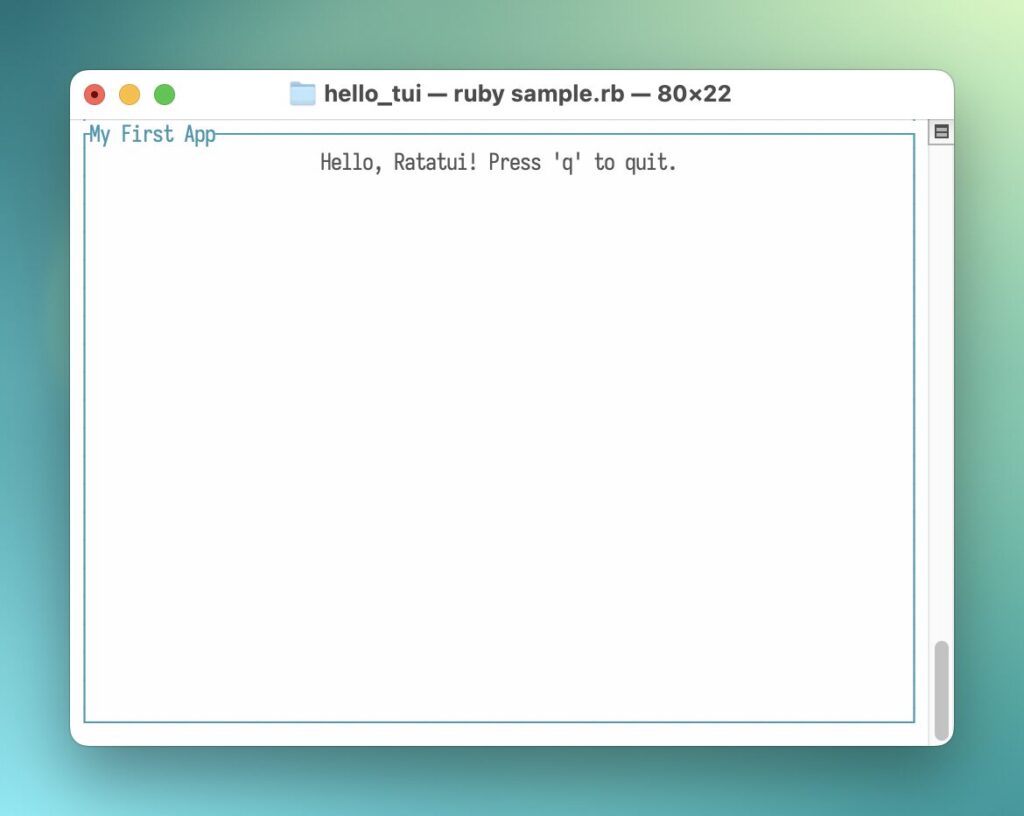
    view = RatatuiRuby::Paragraph.new(
      text: "Hello, Ratatui! Press 'q' to quit.",
      block: RatatuiRuby::Block.new(
        title: "My First App",
        borders: [:all],
        border_color: "cyan"
      ),
      align: :center
    )

    # 3. Draw the UI
    RatatuiRuby.draw(view)

    # 4. Poll for events
    event = RatatuiRuby.poll_event
    if event && event[:type] == :key && event[:code] == "q"
      break
    end
  end
ensure
  # 5. Restore the terminal to its original state
  RatatuiRuby.restore_terminal
end

# This sample application was created by AI. https://declare-ai.org/1.0.0/total.html
Be First to Comment
Reposts
Likes